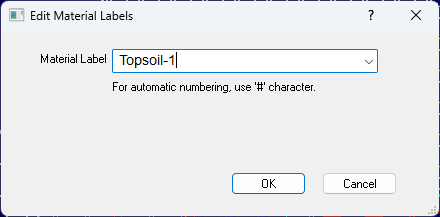
To edit the Materials Label, select the structure and press the L key to display the editor. You may also right click and select Edit Material Label(s).
The Edit Material Labels Editor allows you to change Material Labels for the selected structure.
In Entry mode, press the L key to assign the label before entering the structure.
Material Label |
Assigns a label to the structure. This label is independent of any labels already assigned. You may select the label from the dropdown menu. |